
Opened 12 years ago
Last modified 12 years ago
#3609 accepted defect
Write: Characters with accents can't be recognized after save and load in new instance
| Reported by: | godiard | Owned by: | humitos |
|---|---|---|---|
| Priority: | Unspecified by Maintainer | Milestone: | Unspecified |
| Component: | Write | Version: | Unspecified |
| Severity: | Unspecified | Keywords: | |
| Cc: | humitos, lionel@… | Distribution/OS: | Unspecified |
| Bug Status: | Unconfirmed |
Description
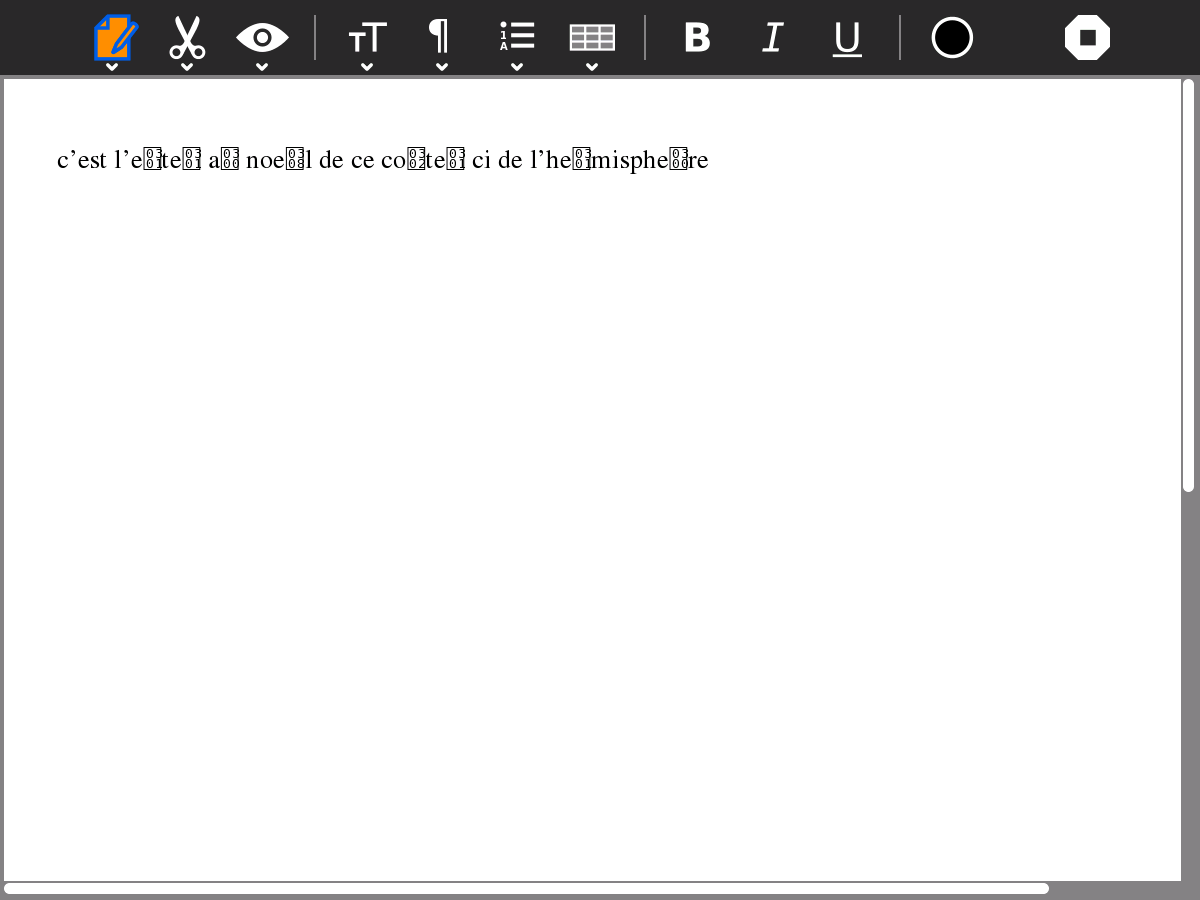
After saving a file in Write activity, when load the same file the accented characters are all wrong.
Reported by: Lionel Laské lionel at olpc-france.org
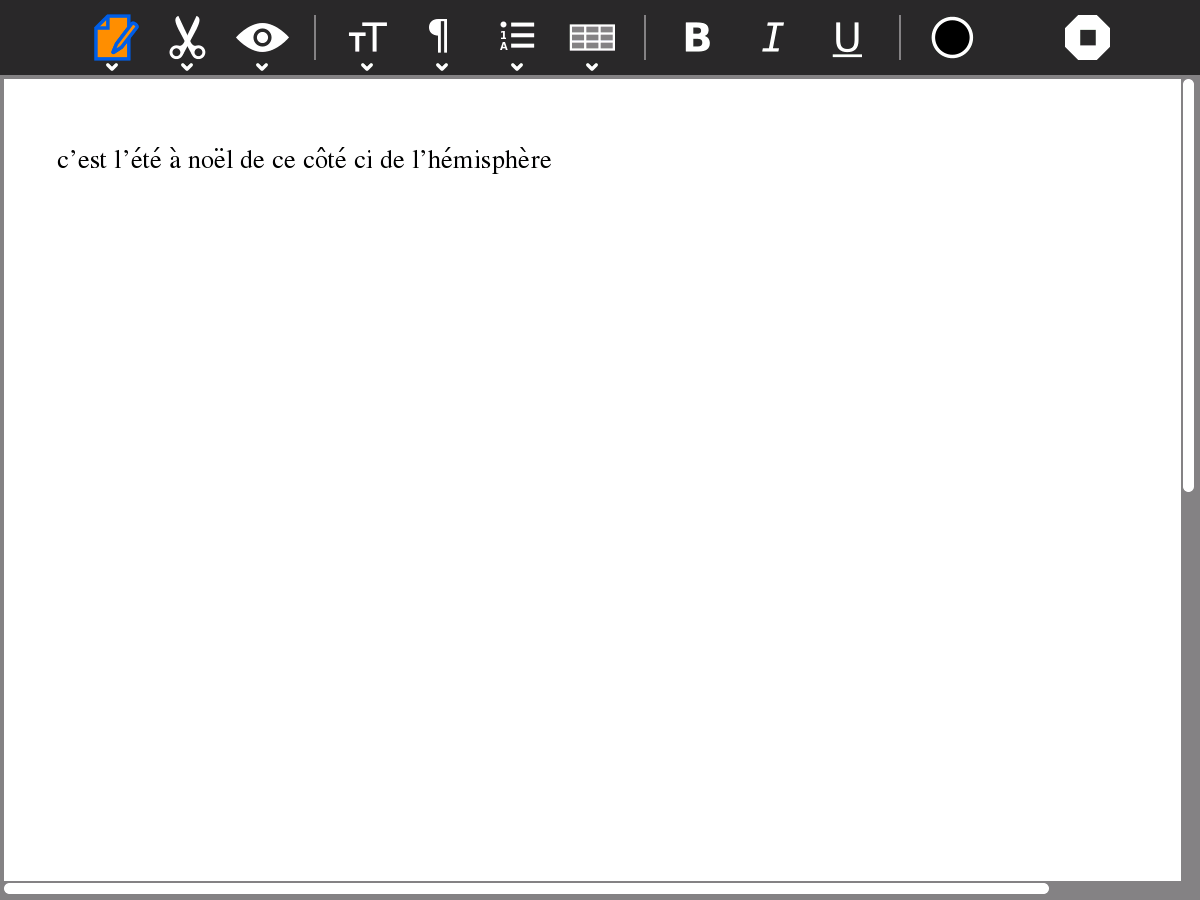
[1] http://olpc-france.org/download/accent_1.png
[2] http://olpc-france.org/download/accent_2.png
Example file:
Attachments (2)
Change History (13)
Changed 12 years ago by AlanJAS
comment:1 follow-up: ↓ 2 Changed 12 years ago by AlanJAS
Try the new file attached.. The accents of the second line appears good?
comment:2 in reply to: ↑ 1 Changed 12 years ago by humitos
- Cc humitos added
Replying to AlanJAS:
Try the new file attached.. The accents of the second line appears good?
Yes. What did you do?
I tested these files in Writer 79 - Fedora 16 and I see the first line with the wrong characters and the second one is correct :)
comment:3 Changed 12 years ago by humitos
- Cc lionel@… added
- Owner changed from godiard to humitos
- Status changed from new to accepted
I need more information about this issue.
Lionel, can you tell me step-by-step how to reproduce this problem?
Take a look what I did (XO 1.5 os10):
- Switch my XO to French (France) - from "My settings"
- Open Write
- Write:
c’est l’été à noël de ce côté ci de l’hémisphère
- Export your job in all the available formats (rtf, html, txt, pdf)
- Close Write
- Open Write again from the Home view
I see the characters properly
- Close Write
- Open one of the exported files from the Journal
I see the characters properly on all the formats.
comment:4 Changed 12 years ago by humitos
Related issue: #2554
comment:5 Changed 12 years ago by humitos
I didn't find a bug related with this in AbiWord bug tracker:
comment:6 follow-up: ↓ 7 Changed 12 years ago by llaske
Here what I've done (XO 1.5 - 883 - Sugar 0.94.1 - Write 77)
1) Switch XO to French (France) - from "My settings"
2) Open Write
3) Write:
c’est l’été à noël de ce côté ci de l’hémisphère
4) Close Write (giving a new name on the Journal)
5) Open Write again from the Home view
Characters are wrong
comment:7 in reply to: ↑ 6 Changed 12 years ago by godiard
Replying to llaske:
Here what I've done (XO 1.5 - 883 - Sugar 0.94.1 - Write 77)
Thanks llaske, it's possible to you try with in the last development version? http://build.laptop.org/12.1.0/os11/
comment:8 Changed 12 years ago by llaske
Tried on XO 1.0 - 12.1.0 - Write 79
No more luck on this configuration.
Same issue.
comment:9 Changed 12 years ago by humitos
A possible solution here:
comment:10 Changed 12 years ago by walter
Seems like the sensible thing to do.
comment:11 Changed 12 years ago by humitos
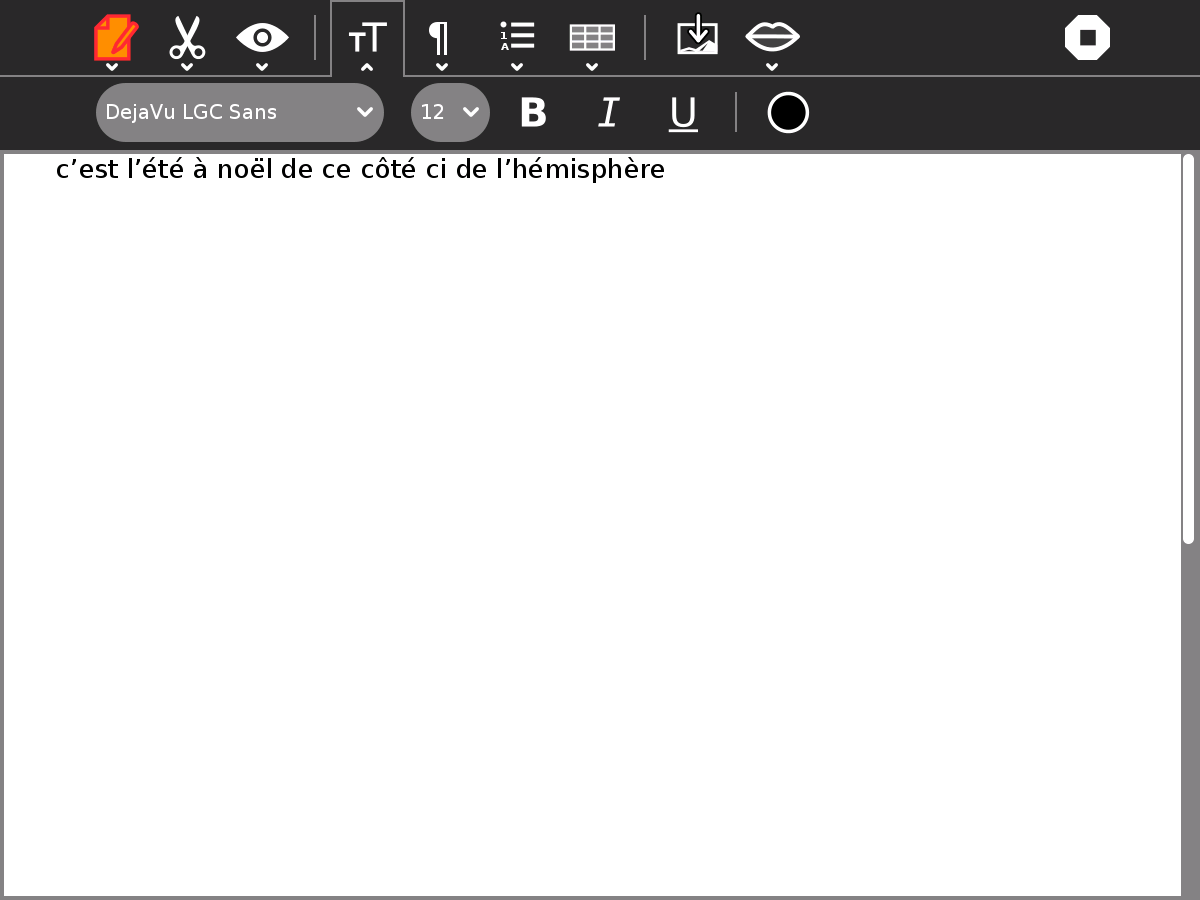
I test this again on XO 1.75 os13 using DejaVu LGC Sans and it worked properly. So, should change the default font to this one?


test 2